

Use your 1Password logins.
On macOS, the optional integration fills a matching login when you ask.
Off by default. Needs the 1Password app and account on macOS. Setup and shortcuts →

Blanc Browser
Tabs, navigation and page controls fold into one compact Island in a slim band, leaving the rest of the window to the page. A desktop browser for macOS, Windows and Linux.
Blanc is a desktop browser for macOS, Windows and Linux.
Free and open source. Ad and tracker blocking is on by default.
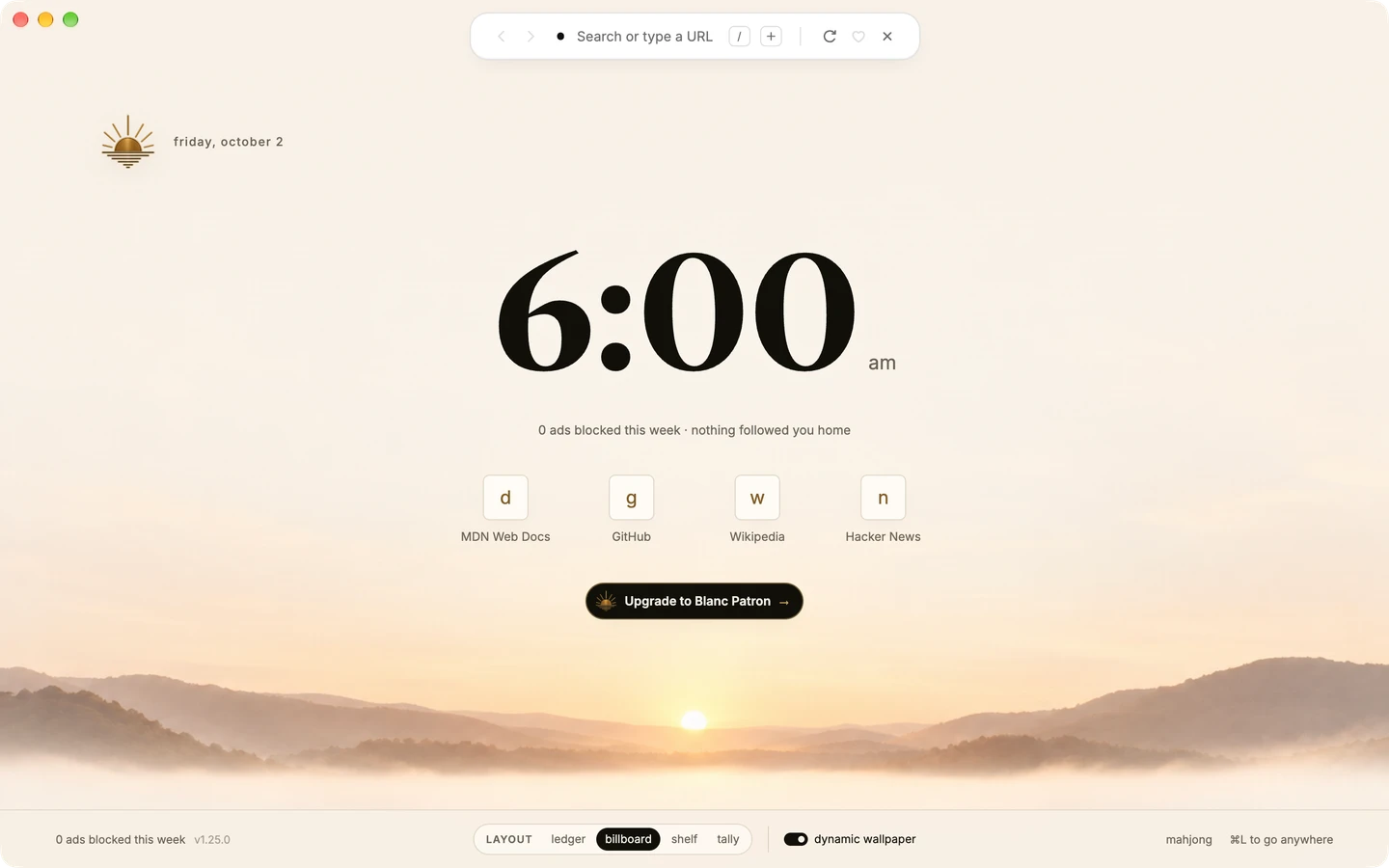
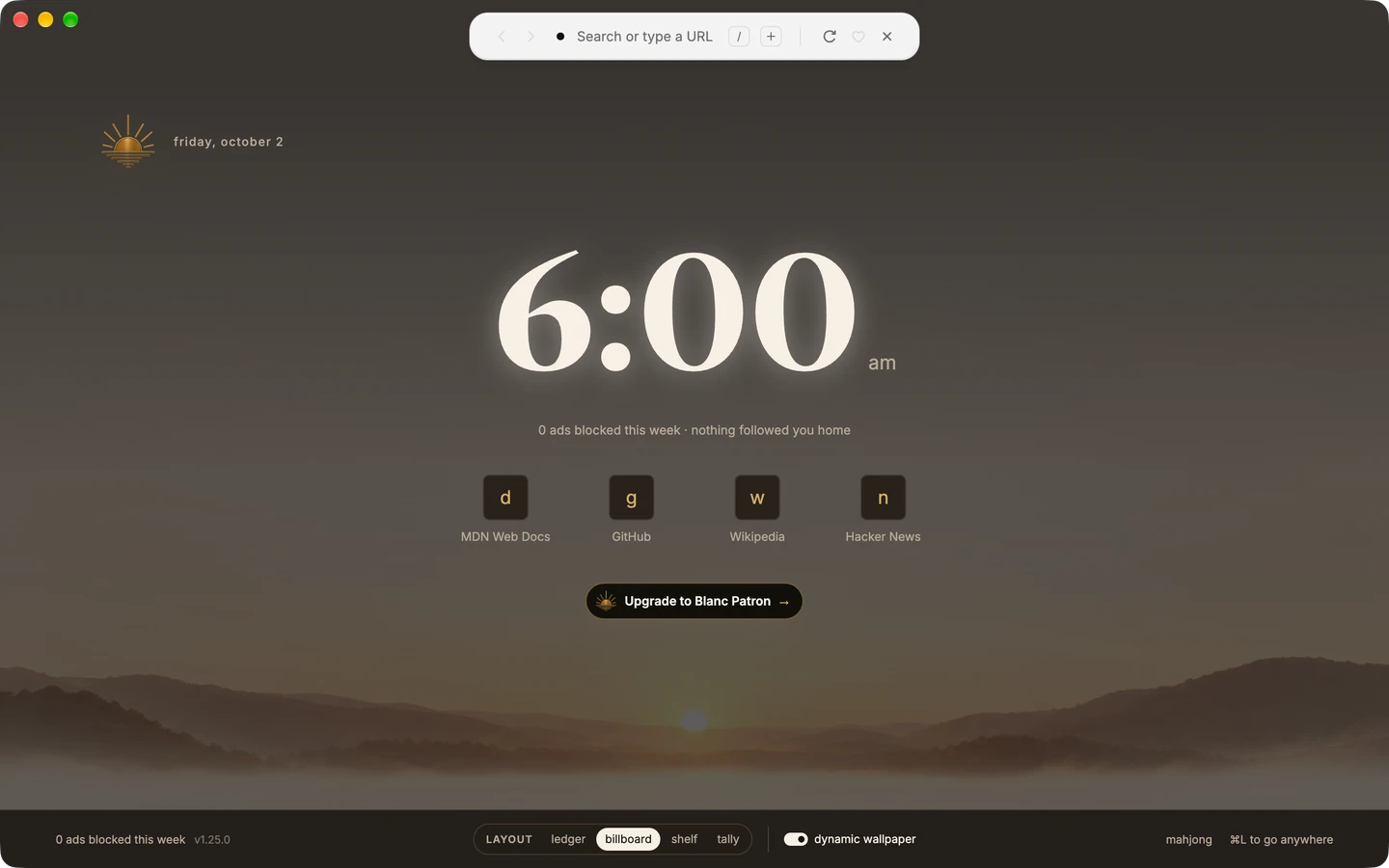
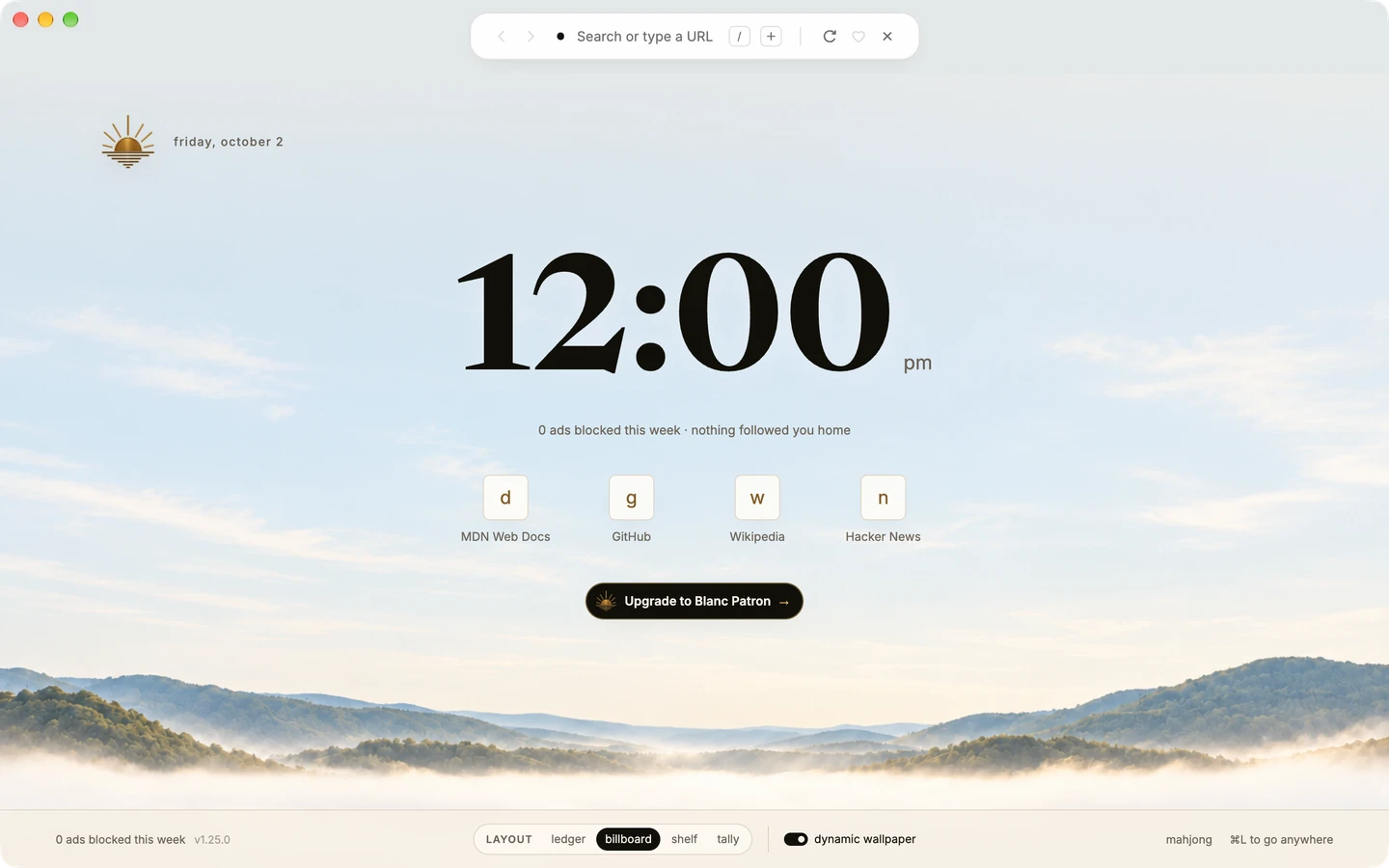
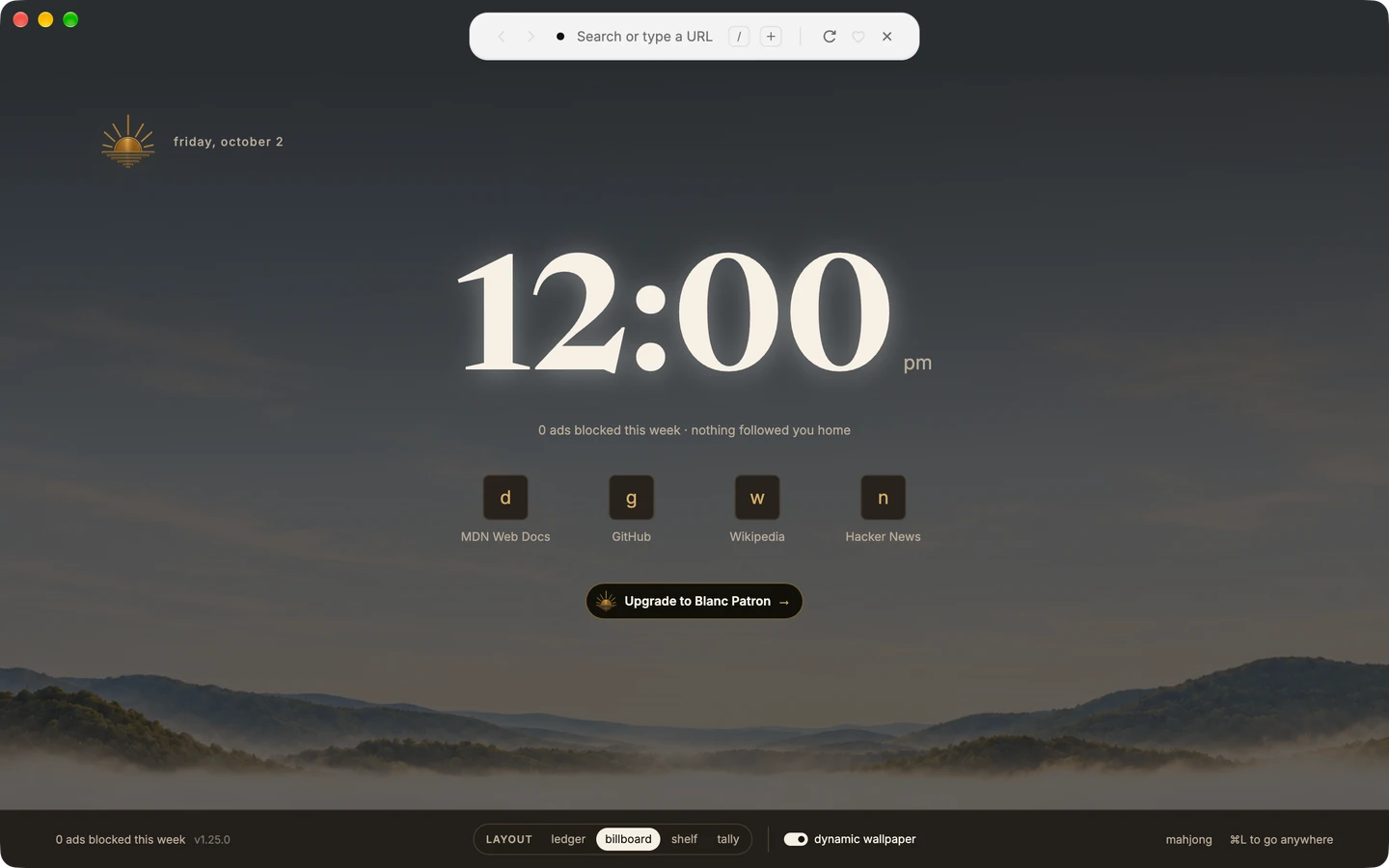
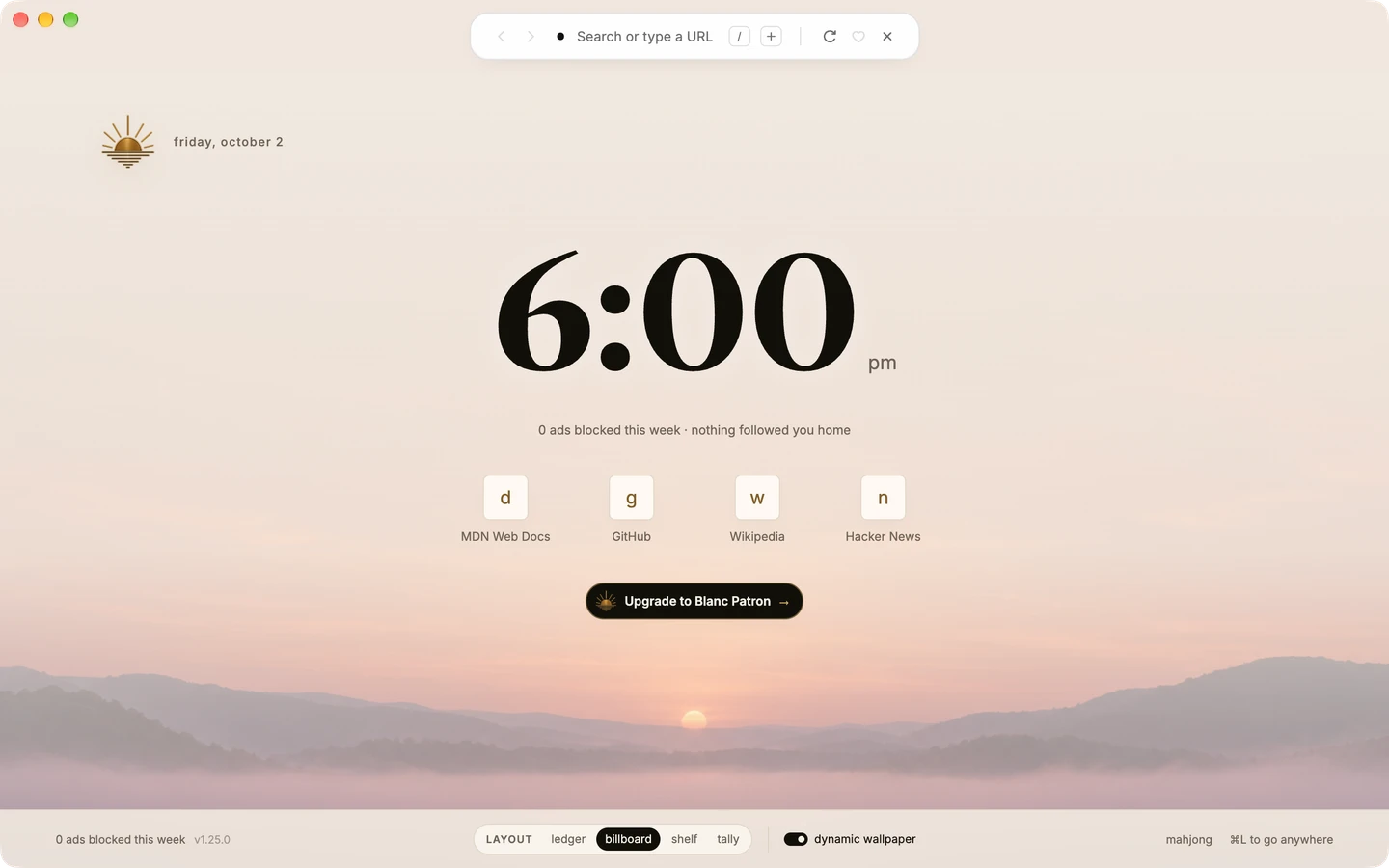
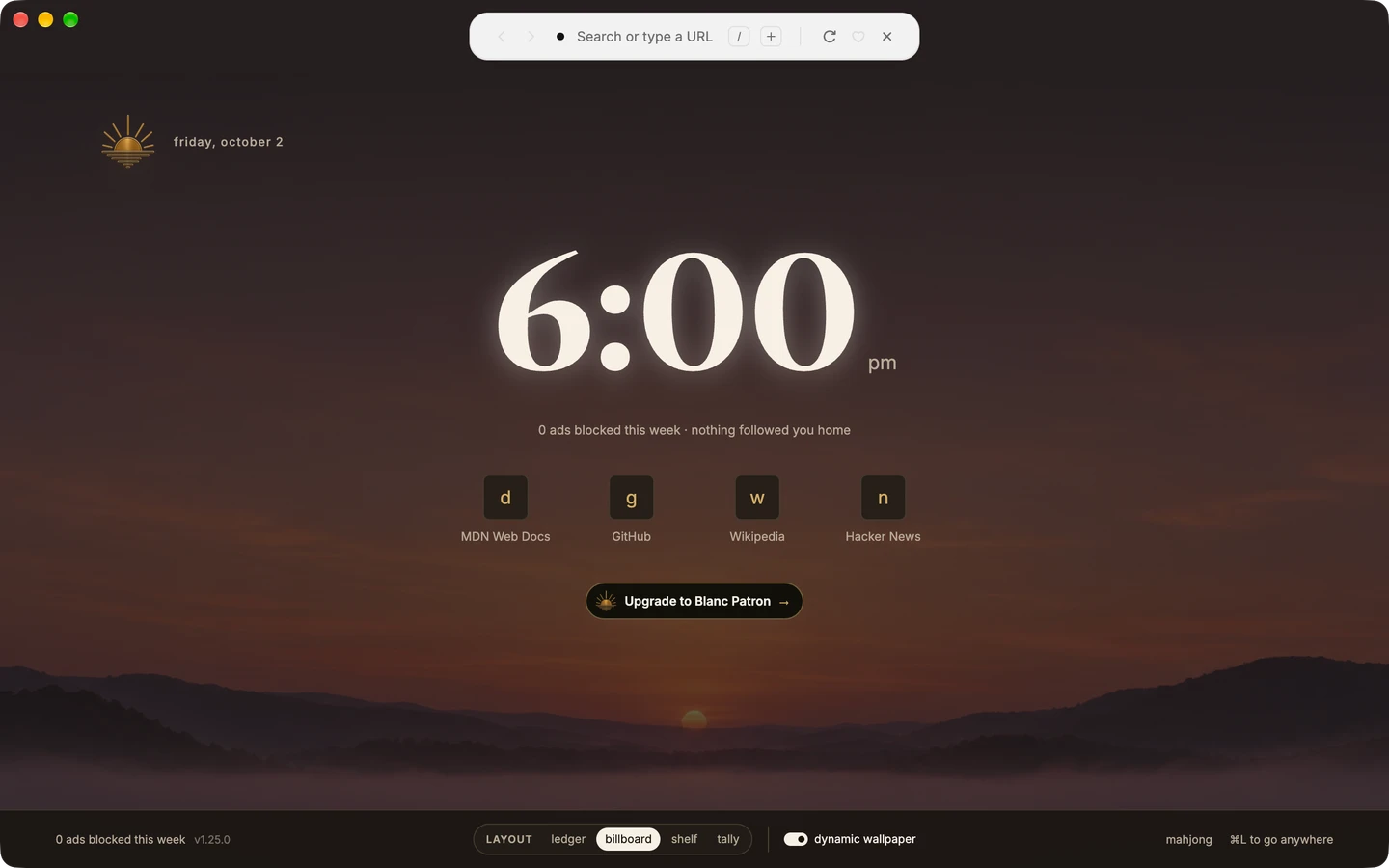
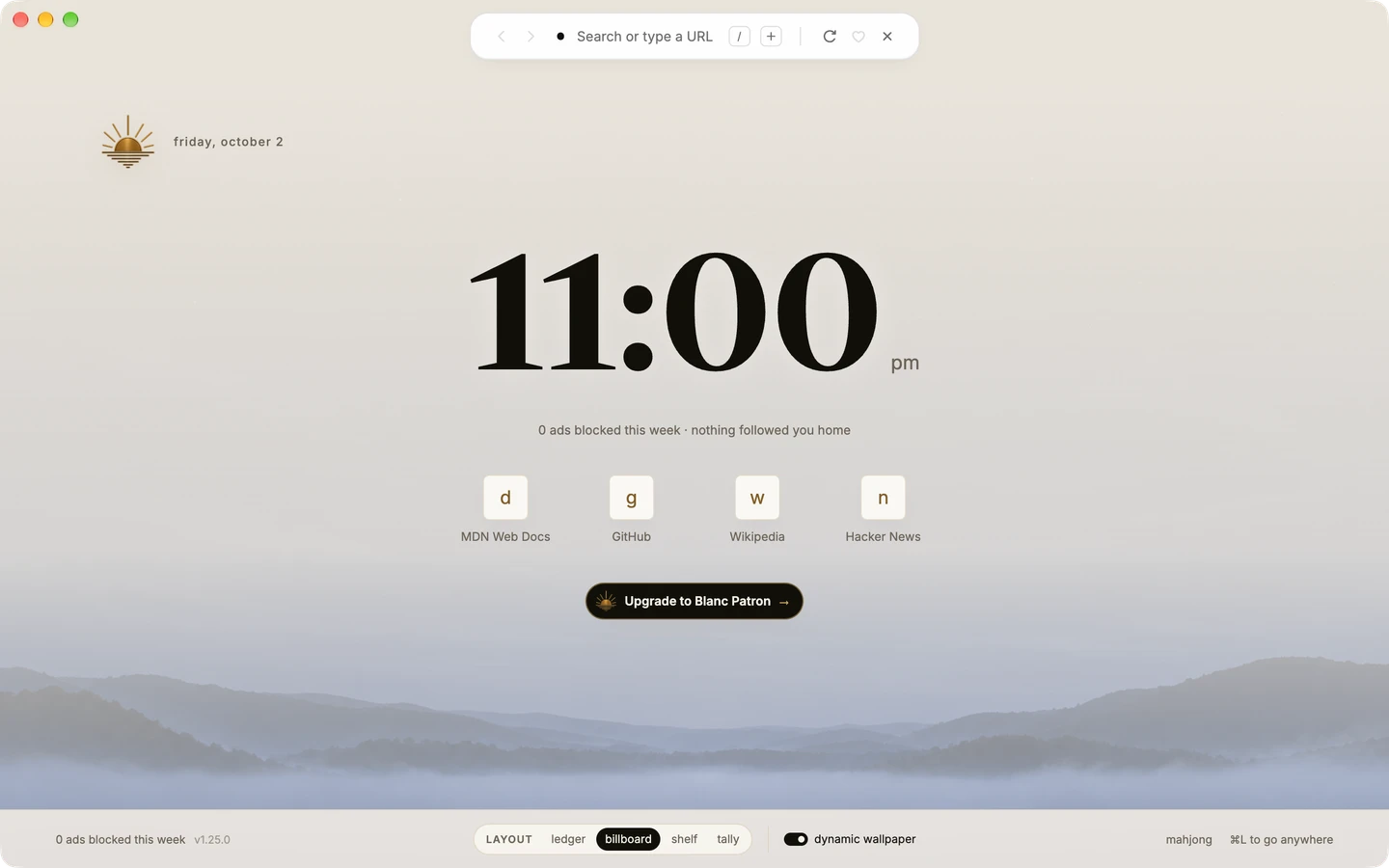
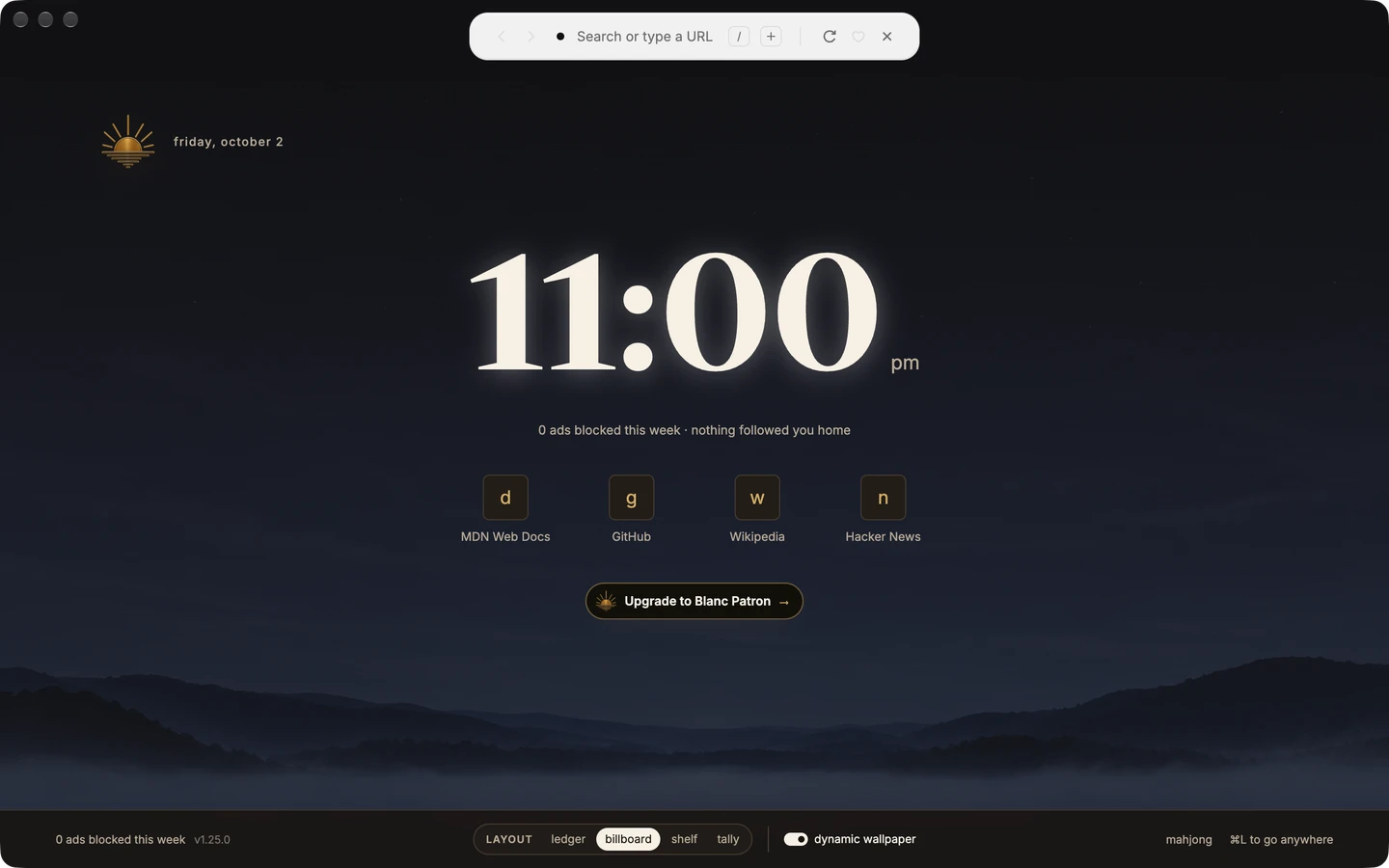
Time-of-day wallpaper
Turn on Time-of-day wallpaper in Settings → General, and the Start Page artwork follows your computer’s clock through dawn, day, dusk and night. Drag the slider to preview each phase.
The Island
Open the Island to choose a tab, find a page or use a command. Close it to return to the page in front of you.

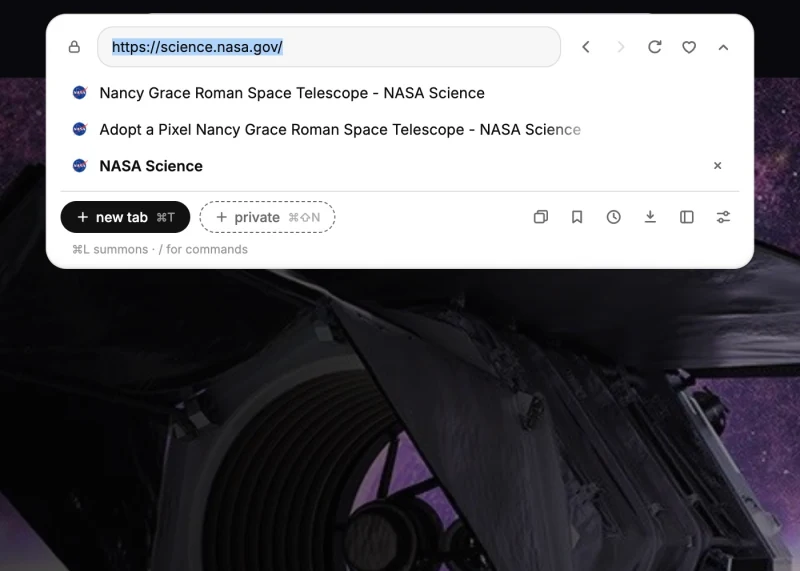
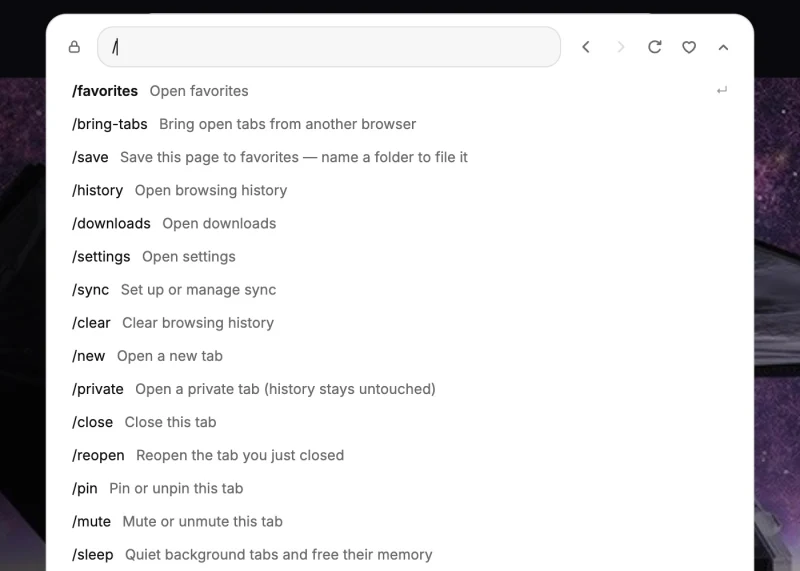
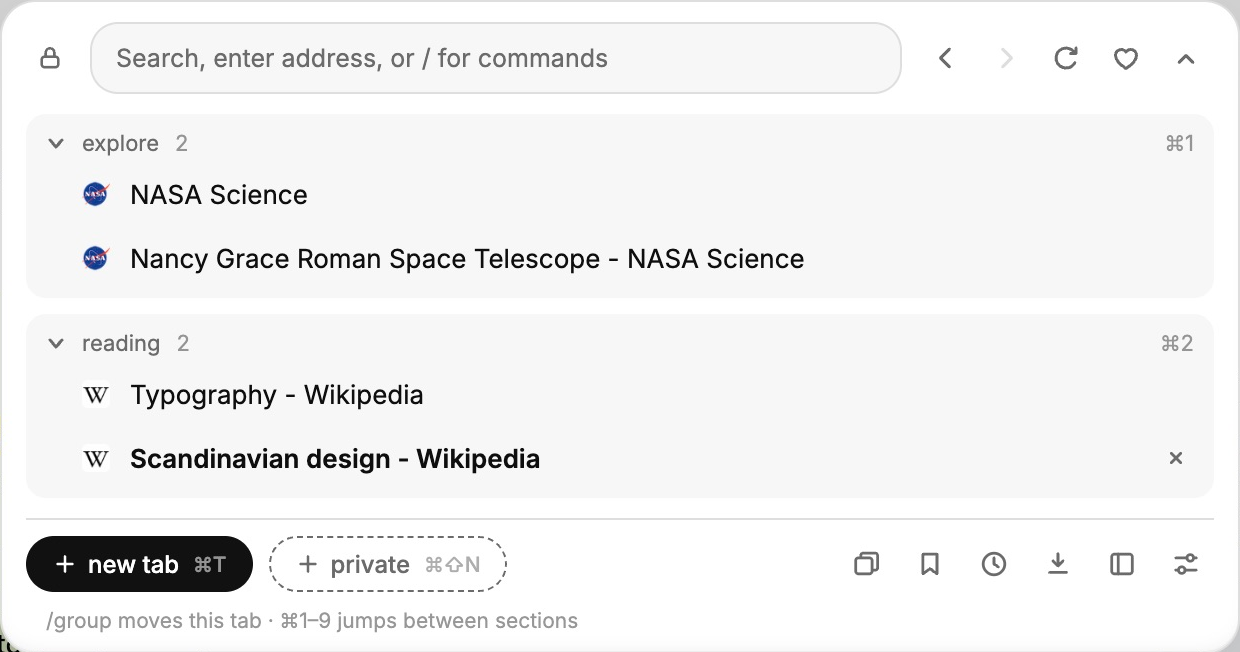
Each dot is a tab. Hover to see its icon and title. Keyboard focus shows the icon; a screen reader announces the tab title. Click or press Enter to switch. +N opens the full list. Use Cmd+L on Mac or Ctrl+L on Windows and Linux to search tabs by name.
Tabs and sessions
Bring related tabs together in named groups. Fold a group away when you want a quieter view. You choose what belongs together.
Tab groups are free. Patron adds saved Named Workspaces.
Privacy and control
Blanc Blocker is on from first launch. Prefer uBlock Origin? On supported builds, you can choose it for regular tabs.
Open a private tab when you choose. Optional connections start only after you save your setup choices.
Blocking reduces known ads and tracking; coverage is not universal. Connections, defaults and security evidence → Blocking details →
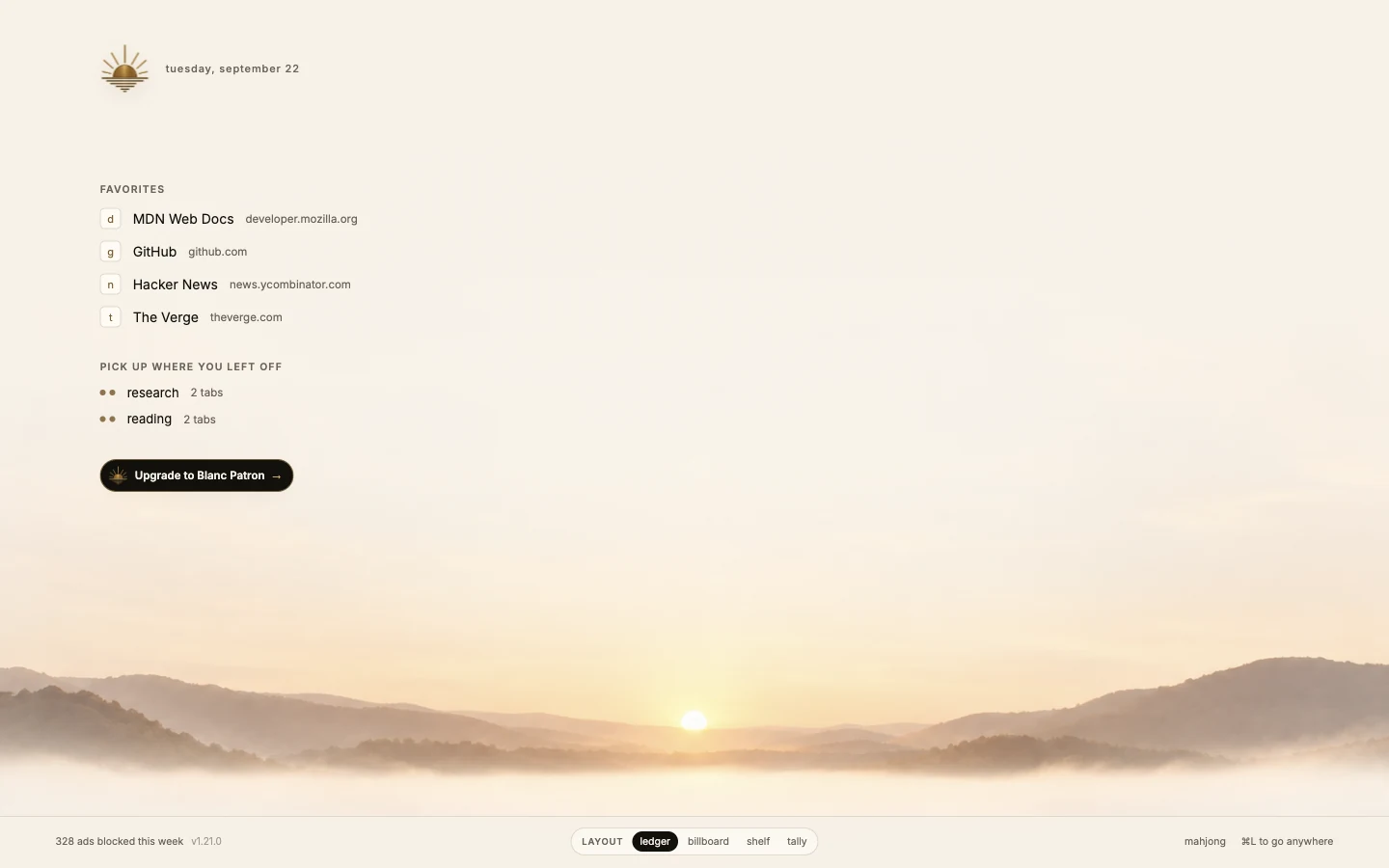
Start Page
Choose Ledger, Billboard, Shelf or Tally. Keep a simple list, a large clock, a shelf of favorites or a view of blocking activity.
Keep a city guide beside an exhibition page while you plan a trip. Resize the split, swap the tabs or close the reference.
Drag the divider to resize.

Copenhagen’s Colourful Harbour

Gleaming Lights of the Souls
Go back, move forward or open a new tab with a simple mouse movement.
Return to the previous page.
Off by default. Right-drag with a mouse, or Option/Alt-drag with a trackpad. Enable mouse gestures
On macOS, the optional integration fills a matching login when you ask.
Off by default. Needs the 1Password app and account on macOS. Setup and shortcuts →
Quiet Tabs can release memory from eligible inactive background pages while retaining their tabs.
Quiet pages reload when you return to them.
Switching to Blanc
Import Favorites from a detected browser profile or an HTML bookmarks file. How importing works →
Bring Your Tabs reads the saved session of a Chromium-based browser profile you choose on this device.
Switch to vertical tabs in View → Tab Layout. The setting stays on this device. Vertical tabs →
First-run setup helps you choose a default browser.
Support Blanc and save named window sets with Named Workspaces. The browser remains free; Patron is an optional subscription.
Explore Named Workspaces →US$30 / year or US$4 / month, plus applicable tax.
Become a PatronCreating a named workspace requires an active Patron subscription. Renaming and removing existing workspaces continue to work if it lapses, and they stay openable, switchable and automatically updated.