Start with Personal
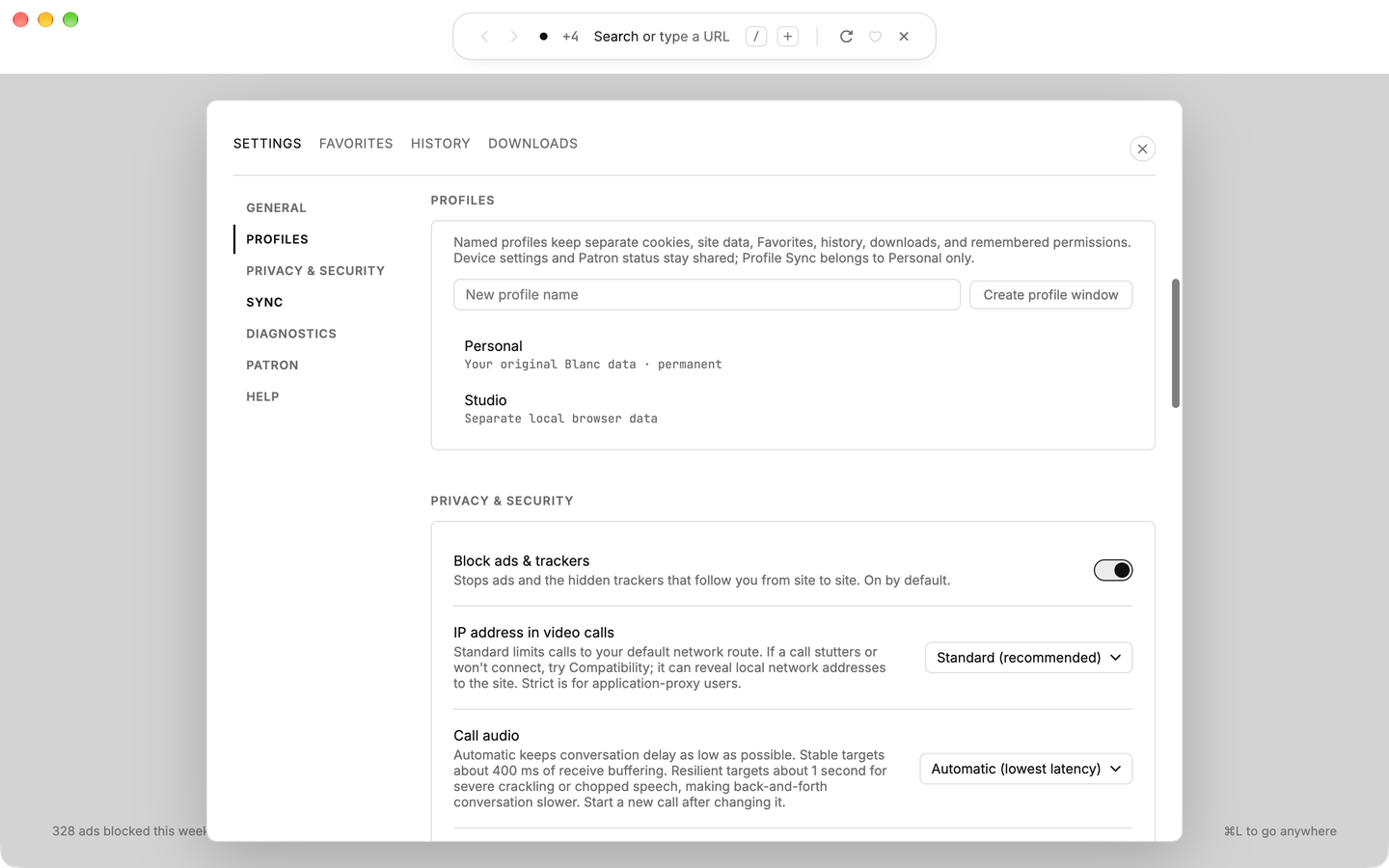
Personal is permanent and keeps your existing Blanc data. In Settings, name another profile and choose Create profile window.
Interface
Privacy and security
Workflow
 Start hereOne small island. The whole browser.Back, forward, tabs, search and commands in one floating pill.See the island
 profiles & windows
Keep a work login separate from your personal browsing, and give each window its own tabs. Local profiles create distinct browsing identities without requiring an account.
separate identities
Personal is permanent and keeps your existing Blanc data. In Settings, name another profile and choose Create profile window.
Named profiles isolate cookies, site data, Favorites, history, download metadata, and remembered permissions. Their ordinary and private sessions are separate from other profiles.
Each native window owns its tabs, groups, Island panel, and Recently Closed list. Saved windows return to their associated profile after relaunch.
what is shared
Appearance, network and privacy preferences, usage-measurement choices, and Patron status remain shared across the device.
Profile Sync is available only to Personal. Creating a named profile does not create another synced identity.
Deleting a named profile requires its exact name. It closes that profile’s windows and removes its browsing data and saved workspaces. Files you downloaded remain on disk; Personal cannot be deleted.
ready when you are